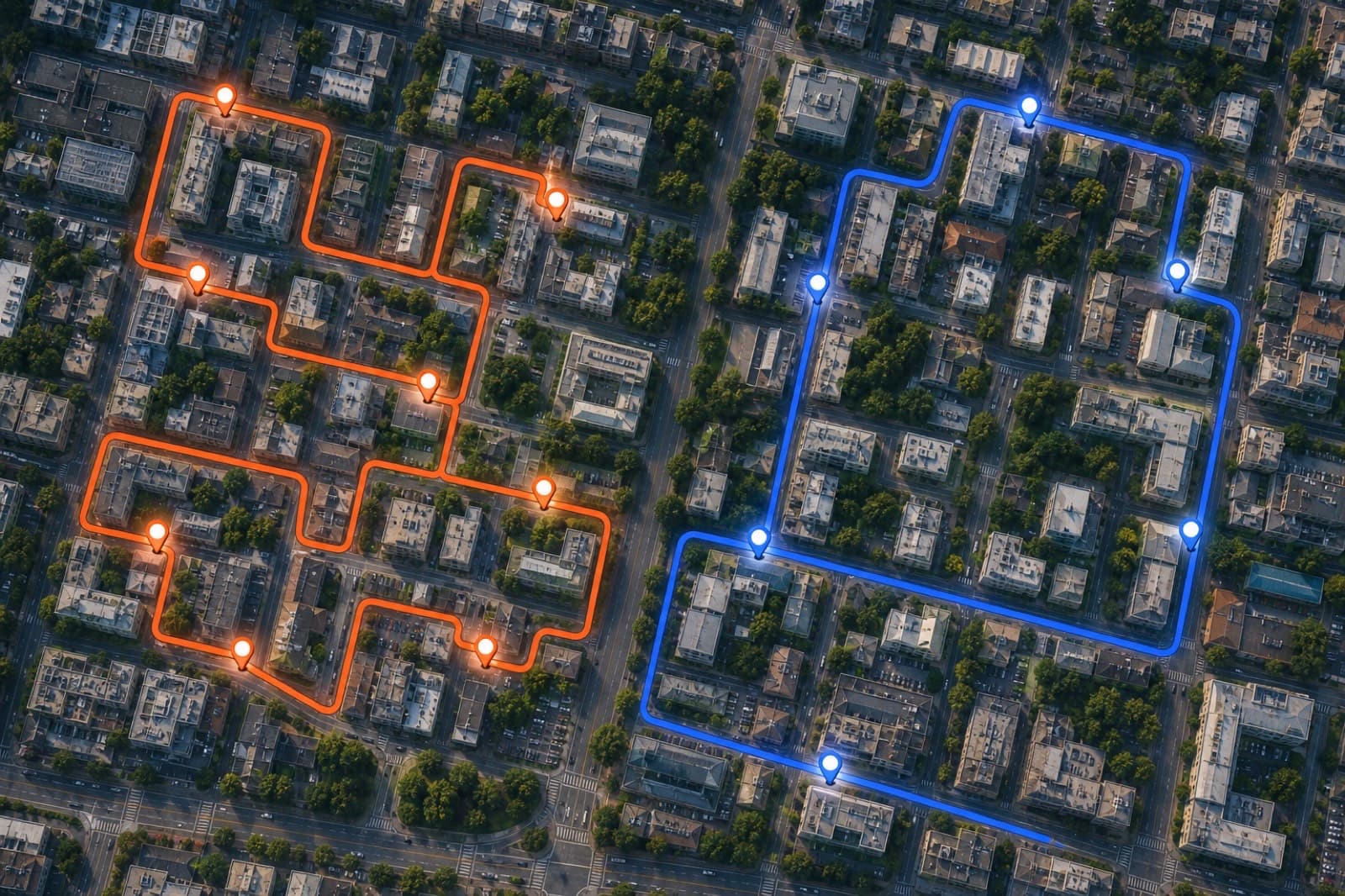
Route optimization is the process of determining the most efficient sequence of stops on a multi-stop journey. Instead of visiting locations in the order you entered them, an optimizer reorders them to minimize total driving time or distance.
It sounds simple, but the math behind it is genuinely hard — and understanding the basics helps you use route planners more effectively.
The Traveling Salesman Problem
Route optimization is essentially a version of the Traveling Salesman Problem (TSP), one of the most famous problems in computer science and operations research.
The TSP asks: given a list of cities and the distances between each pair, what is the shortest possible route that visits each city exactly once and returns to the starting point?
For small numbers of stops, brute force works — check all possible orders and pick the shortest. But the number of possible routes grows factorially:
| Stops | Possible routes |
|---|---|
| 5 | 12 |
| 10 | 181,440 |
| 15 | 43 billion |
| 20 | 60 quadrillion |
Checking all possibilities for 20+ stops isn't feasible in real time. Modern route optimizers use clever algorithms — nearest neighbor heuristics, 2-opt improvements, genetic algorithms — to find routes that are very good (though not always provably perfect) in milliseconds.
What route optimization actually does
When you click Optimize in Free Route Planner, here's what happens behind the scenes:
- Your stops are sent to the MapQuest Optimized Route API
- The algorithm evaluates many possible orderings
- It picks the order that minimizes total drive time (accounting for real road geometry, not just straight-line distance)
- Your start and end points stay fixed; intermediate stops get reordered
- The optimized sequence is returned with total time, distance, and turn-by-turn directions
The difference between routing and optimization
Routing is finding a path between two points — like Google Maps telling you how to get from A to B.
Optimization is deciding the order to visit multiple points — it's the extra step that makes multi-stop routes efficient.
Most navigation apps (Google Maps, Apple Maps) do basic routing well. They add multi-stop support, but they don't truly optimize the order — they just route between your stops in the order you entered them. You'd have to manually rearrange stops to find a better sequence.
Dedicated route optimization tools, including Free Route Planner, automatically find that better sequence.
When optimization matters most
The more stops you have, the more time optimization saves. For 3–4 stops, the gains are modest. For 10–20 stops, an optimized route can cut 20–40% off your total drive time compared to a random or intuitive ordering.
Optimization also matters when:
- Stops are geographically spread out, making it easy to backtrack without realizing it
- Traffic varies by time of day, and you want to hit certain areas during off-peak hours
- Time windows are tight, and you need to sequence stops around appointment constraints
When optimization doesn't help
Optimization assumes you can visit stops in any order. If you have hard constraints — "I must go to the pharmacy before the grocery store because I'm picking up a prescription that needs refrigeration" — you may need to lock some stops and let the optimizer handle the rest.
Similarly, optimization doesn't account for:
- Parking difficulty at specific stops
- Personal knowledge of local traffic patterns
- Stops where you need to leave a vehicle running
Use the optimized order as a starting point and adjust for real-world context.
Fixed start and end vs. round trip
Most optimizers offer two modes:
- Round trip: You start and end at the same location. All intermediate stops are reordered freely.
- Fixed start and end: You set a specific origin and destination. Intermediate stops are reordered, but the first and last stops are locked.
Free Route Planner supports both. Use round trip for errands from home; use fixed start/end for delivery routes that start at a depot and end at a different location.
The bottom line
Route optimization is the difference between driving in a logical, efficient sequence and zigzagging back and forth across town. For anyone making more than 5–6 stops regularly, it's worth using a tool that does it for you.
Try the optimizer for free — add your stops and hit Optimize to see the difference.